How to Receive Dogecoin: Simple Step‑by‑Step Guide for Beginners
How to Receive Dogecoin: Simple Step‑by‑Step Guide If you want to learn how to receive Dogecoin safely and without mistakes, you only need a few basic tools....
In this article

If you want to learn how to receive Dogecoin safely and without mistakes, you only need a few basic tools. Once you have a Dogecoin wallet and a receiving address, anyone can send DOGE to you from anywhere in the world. This guide breaks the process into clear steps you can follow even if you are new to crypto.
What You Need Before You Can Receive Dogecoin
To receive Dogecoin, you need a place where the coins can be stored. This place is called a Dogecoin wallet. The wallet gives you one or more Dogecoin addresses, which work like bank account numbers.
You do not need to buy Dogecoin first. You can receive DOGE as a gift, as payment, or from an exchange withdrawal. But you must have your wallet set up before anyone sends coins, or you risk using the wrong address.
There are several wallet types that can receive Dogecoin: mobile apps, desktop wallets, hardware wallets, and exchange accounts. Each type has different levels of control and security.
Main Types of Dogecoin Wallets
Each Dogecoin wallet type suits a different style of use. Some focus on ease, while others focus on stronger protection and control.
Comparison of common Dogecoin wallet options:
| Wallet Type | Best For | Key Advantages | Main Trade‑offs |
|---|---|---|---|
| Mobile wallet app | Daily use and small to medium amounts | Easy to install, quick access, QR code support | Depends on phone security and backups |
| Desktop wallet | Regular use and medium to larger holdings | Good control, works well with hardware wallets | Less portable, depends on computer security |
| Hardware wallet | Long‑term storage of larger amounts | Keys stay offline, strong protection | Higher cost, less handy for quick payments |
| Exchange account | Short‑term holding and active trading | Very simple for beginners, built‑in trading tools | Less direct control, depends on the exchange |
This overview can help you match a wallet type to your needs before you receive Dogecoin. You can always start with one option and move DOGE to another wallet later as your habits change.
Choosing a Wallet to Receive Dogecoin
Before you learn how to receive Dogecoin step by step, decide where you want to store it. Your choice depends on how often you use DOGE, how much you hold, and how much security you want.
Here are the main wallet options people use to receive Dogecoin:
- Mobile wallets: Apps on your phone, easy for daily use and quick payments.
- Desktop wallets: Software on your computer, good for more control and larger amounts.
- Hardware wallets: Physical devices that store keys offline, safer for long‑term holding.
- Exchange accounts: Wallets provided by a crypto exchange, simple for beginners but less control.
For most new users, a mobile or exchange wallet is the fastest way to start receiving Dogecoin. For serious long‑term savings, many people move DOGE to a hardware or desktop wallet later.
How to Pick the Right Dogecoin Wallet
Think about how often you plan to move your Dogecoin and how much you expect to hold. Daily use and small amounts point to mobile or exchange wallets, while larger holdings favor hardware or desktop options.
How to Receive Dogecoin: Step‑by‑Step Process
Once your wallet is ready, the process to receive DOGE is almost always the same. You find your Dogecoin address, share it with the sender, and wait for the network to confirm the transaction.
Use the steps below as a checklist. Some names on your screen may differ slightly, but the logic is the same.
- Install or open your Dogecoin wallet
Download a trusted Dogecoin wallet app or open the one you already use. If you use an exchange, log in to your account. - Create or select your Dogecoin account
Inside the wallet, make sure you have a Dogecoin wallet or account. Some apps support many coins, so choose DOGE from the list. - Find the “Receive” section
Look for a button or tab labeled “Receive,” “Deposit,” or a similar term. This is where the wallet shows your Dogecoin receiving address. - Copy your Dogecoin address
The wallet will show a long string of letters and numbers, sometimes with a QR code. Use the copy button instead of typing it by hand. - Share the address with the sender
Send the copied address to the person or service that will send you Dogecoin. Use a secure channel, like encrypted chat or email, if possible. - Ask the sender to confirm the address
Before they send, ask the sender to read back or paste the first and last few characters. This quick check helps avoid mistakes. - Wait for the Dogecoin network to confirm
After the sender broadcasts the transaction, your wallet will show a pending balance. Full confirmation can take a few minutes or longer, depending on network activity. - Verify the received amount
Once confirmed, check that the amount of DOGE matches what you expected. You can also view the transaction details in your wallet or on a blockchain explorer.
After you receive Dogecoin, you can keep it in the same wallet, send it to someone else, or move it to another wallet for higher security or trading.
Extra Checks Before You Accept DOGE
Before you tell the sender to go ahead, confirm that the address is fresh, complete, and clearly marked as a Dogecoin address. A short pause for this review can prevent sending problems later.
Receiving Dogecoin to a Mobile Wallet
Many people prefer mobile wallets because they are quick and portable. The process to receive DOGE on a phone is very simple once the app is installed.
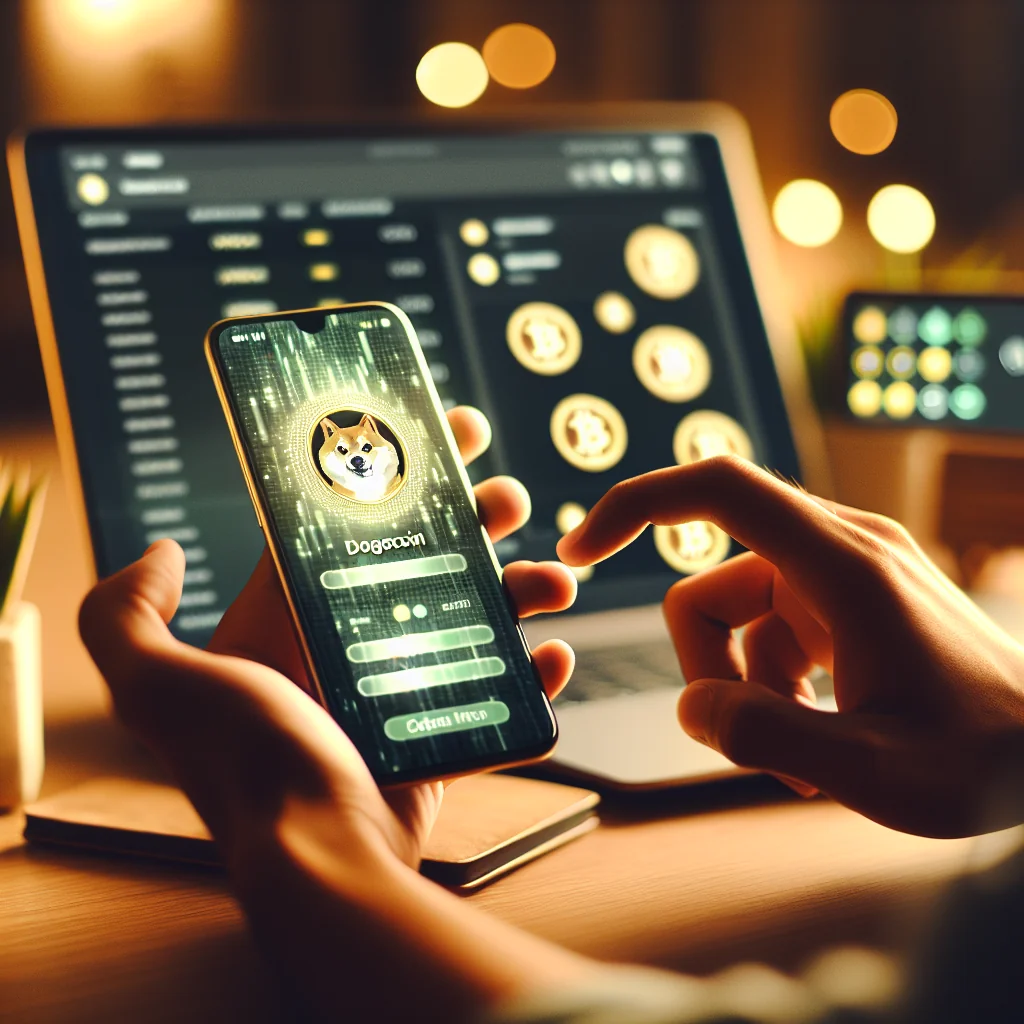
Open the wallet app and unlock it with your PIN, password, or biometrics. Tap on Dogecoin in the list of coins, then tap “Receive.” Your Dogecoin address and a QR code will appear on the screen.
You can show the QR code to the sender so they can scan it, or tap “Copy” and share the address in a message. Always double‑check that the address is for Dogecoin, not another coin, before you accept a transfer.
Tips for Receiving DOGE on the Go
When you receive Dogecoin in public places, keep your screen bright and clear so the QR code scans well. After the scan, ask the sender to compare the first and last characters of the address with your display.
Receiving Dogecoin to a Crypto Exchange
Some people receive Dogecoin directly to a crypto exchange account, especially if they plan to trade or sell soon. The process is similar but uses the exchange’s “Deposit” page.
Log in to the exchange and go to your wallet or balances area. Find Dogecoin (DOGE) in the list and click “Deposit” or “Receive.” The exchange will show your unique DOGE deposit address and sometimes a QR code.
Copy this address and send it to the person or service that will send you DOGE. Make sure they send Dogecoin on the Dogecoin network, not as a wrapped token on another chain, or the funds may be lost.
When an Exchange Deposit Makes Sense
Receiving Dogecoin to an exchange works well if you plan to trade often or sell soon. For longer storage, many users move DOGE later to a wallet where they hold the keys themselves.
How to Check That Your Dogecoin Has Arrived
After someone sends you DOGE, you might see the transaction as “pending” or “unconfirmed” at first. This means the Dogecoin network has seen the transaction but has not added it to a block yet.
Your wallet will update the status automatically. In most cases, you only need to wait. For larger amounts, you might want to wait for several confirmations before you treat the funds as final.
If you want extra peace of mind, you can paste your Dogecoin address or the transaction ID into a Dogecoin blockchain explorer. The explorer will show the current status and the number of confirmations.
Understanding Confirmations for Dogecoin
Each confirmation shows that another block has been added after your transaction. More confirmations make it harder for a problem on the network to affect your funds.
Common Mistakes to Avoid When Receiving Dogecoin
Receiving Dogecoin is simple, but a few common errors can lead to lost funds or confusion. A quick check before you share your address can prevent most problems.
Here are some pitfalls to watch for while you receive DOGE:
- Using the wrong coin address: Never use a Bitcoin or other coin address for Dogecoin.
- Typing the address by hand: Always copy and paste or scan the QR code.
- Sending to an old or inactive exchange address: Check that the address is current and from your active account.
- Sharing screenshots instead of text: Screenshots can be unclear; share the text address or QR code.
- Ignoring fees on the sender’s side: The sender must include a fair network fee so the transaction confirms.
If something looks strange, such as a very different address format or missing characters, stop and check with your wallet or exchange support before the sender sends any DOGE.
How to Recover From a Simple Error
If the sender used the wrong amount or left the fee too low, ask them to send a second transaction. They can adjust the value or fee in the new transfer while you keep using the same Dogecoin address.
Staying Safe After You Receive Dogecoin
Once you know how to receive Dogecoin, the next step is to keep it safe. Crypto transactions are hard to reverse, so security matters from the start.
Protect your wallet with a strong password and, if available, two‑factor authentication. Never share your seed phrase or private key with anyone, even support staff or friends. Those details give full control over your coins.
For larger amounts, consider moving DOGE from exchanges to a hardware or desktop wallet you control. Regular backups of your wallet or seed phrase will help you recover your Dogecoin if your device is lost or damaged.
Simple Security Habits for Dogecoin Holders
Keep your backup phrase written on paper and stored in a safe place, away from your online devices. Check your wallet app for updates often, since new versions can fix bugs and improve safety.
Using Your Dogecoin After Receiving It
After you receive Dogecoin, you can hold it, spend it, or move it. The best choice depends on your goals. Some people keep DOGE as a long‑term asset, while others use it for tips, donations, or payments.
You can send Dogecoin to friends, pay for goods at stores that accept DOGE, or move it to another exchange. To do that, you will repeat a similar process in reverse: copy the receiver’s address, paste it into your wallet, and confirm the transaction.
Whatever you choose, keep using the same careful habits you used to learn how to receive Dogecoin: check addresses, confirm amounts, and keep your wallet secure.
Building a Simple Routine With DOGE
Try to review your Dogecoin balances on a regular schedule, such as once a week or once a month. A steady routine helps you spot strange activity early and stay in control of your coins.